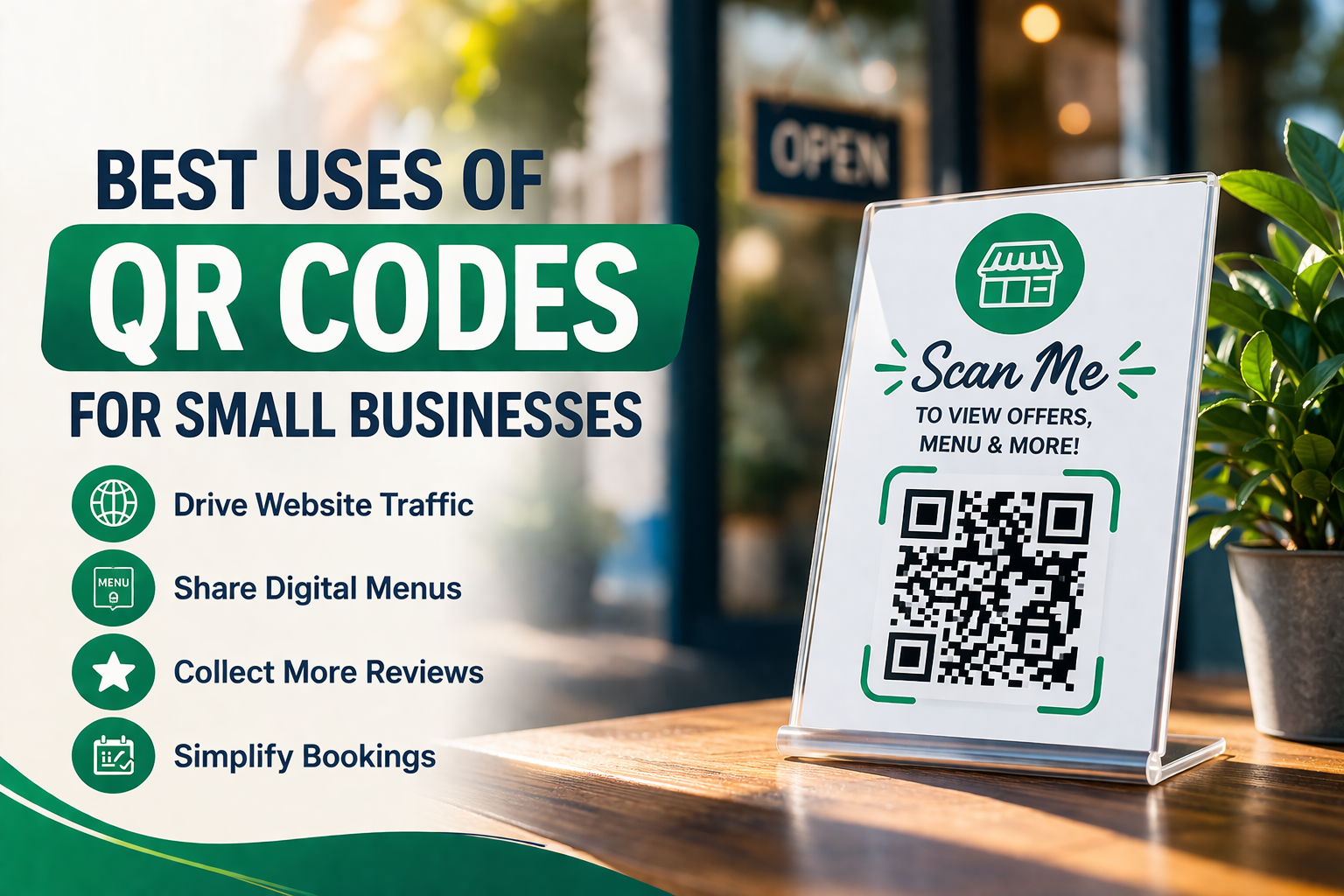
Discover the best uses of QR codes for small businesses to boost traffic, collect reviews, simplify bookings, and improve customer experience.
Small businesses are always looking for simple ways to save time, improve customer experience, and get more value from every marketing effort. That is exactly why QR codes have become such a practical tool. They are easy to create, easy to use, and flexible enough to support everything from in-store promotions to digital payments and customer reviews.
A QR code may look like a small square, but for a small business, it can do a lot of work. It can send a customer to your website, open your menu, help someone book an appointment, connect guests to WiFi, collect reviews, show product details, or even help close a sale. Instead of asking customers to type a long URL or search for your business manually, a QR code removes friction and makes the next step instant.
That is especially valuable for small businesses, where every extra click, missed lead, or abandoned action matters. When used well, QR codes help you turn offline attention into online action quickly and naturally.
In this guide, we will look at the best uses of QR codes for small businesses, explain where they work best, and share tips to help you use them more effectively. If you are new to QR codes, you may also want to read our guide on how to create a QR code for free. And if you are unsure which QR code format is right for your business, our guide on static vs dynamic QR codes will help you understand the difference.
Why QR Codes Work So Well for Small Businesses
Small businesses need tools that are low-cost, practical, and easy to implement. QR codes fit that perfectly.
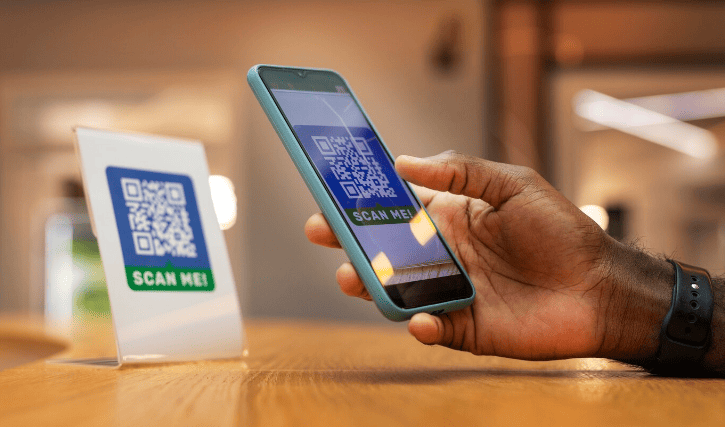
They work because they reduce effort. A customer sees a sign, menu, flyer, package, or product display, scans the code with their phone, and reaches the intended destination immediately. No typing, no searching, and no confusion.
That convenience makes QR codes useful across many types of small businesses, including:
- restaurants and cafés
- retail stores
- salons and spas
- gyms and fitness studios
- real estate agencies
- consultants and freelancers
- medical or dental clinics
- event businesses
- service providers
- hotels and guesthouses
The biggest advantage is that QR codes help bridge the gap between physical and digital customer journeys. A printed sign becomes a booking. A receipt becomes a review. A product label becomes a purchase or repeat visit.
What Makes a Good Small Business QR Code Strategy?
Before jumping into use cases, it helps to understand what makes QR codes effective in the first place.
A good QR code strategy is not about putting codes everywhere. It is about using them where they make a task easier for the customer.
That means each QR code should:
- have one clear purpose
- lead to a useful mobile-friendly destination
- be placed where customers naturally need it
- include a call to action so people know why to scan
- be tested before being printed or published
When those basics are in place, QR codes become much more than a tech gimmick. They become part of a smooth customer experience.
Best Uses of QR Codes for Small Businesses
1. Send Customers to Your Website
One of the most common and useful ways to use a QR code is to send people directly to your website.
This works well for:
- shop signs
- flyers
- business cards
- posters
- product packaging
- brochures
If someone notices your business in the real world, a QR code makes it easy for them to learn more immediately. They can browse services, view prices, explore products, or contact you without typing anything.
For small businesses, this is one of the simplest ways to turn local attention into online traffic. Instead of hoping someone remembers your website name later, you give them instant access in the moment.
2. Share Digital Menus
Restaurants, cafés, bakeries, and food trucks can use QR codes to open digital menus. This is one of the most practical use cases because customers often want fast access to menu details without waiting.
A menu QR code can help customers:
- view food and drink options
- see updated pricing
- check daily specials
- browse photos
- see ingredients or allergen information
This is especially useful for businesses that update items regularly. If your menu changes often, using the right QR code type becomes important. That is where understanding static vs dynamic QR codes can help, since dynamic codes are usually better for content that changes over time.
3. Collect More Customer Reviews
For many small businesses, online reviews directly affect visibility, trust, and conversions. QR codes make it easier to ask for reviews at the right moment.
You can place a review QR code on:
- receipts
- checkout counters
- thank-you cards
- table tents
- invoices
- packaging inserts
When a happy customer scans the code, it can take them directly to your review page. That removes friction and increases the chances that they actually leave feedback.
This is one of the smartest uses of QR codes for small businesses because it supports both reputation and local SEO.
4. Make Booking and Appointments Easier
If your business depends on appointments, a QR code can save customers time and help you get more bookings.
This works especially well for:
- salons
- barbershops
- spas
- consultants
- fitness studios
- medical clinics
- repair services
A booking QR code can send users directly to your scheduling page. That means a poster, business card, brochure, or storefront sign can become an instant appointment tool.
This is particularly effective when paired with a clear call to action such as “Scan to Book,” “Scan to Schedule Your Appointment,” or “Scan to Reserve Your Spot.”
5. Offer Easy Access to Guest WiFi
A QR code for WiFi is a simple but powerful way to improve customer experience in any physical business location.
This works well for:
- cafés
- restaurants
- salons
- offices
- waiting rooms
- guesthouses
- coworking spaces
Instead of answering the WiFi question repeatedly or asking guests to type a complex password, you can let them scan once and connect. That makes the experience feel smoother and more professional.
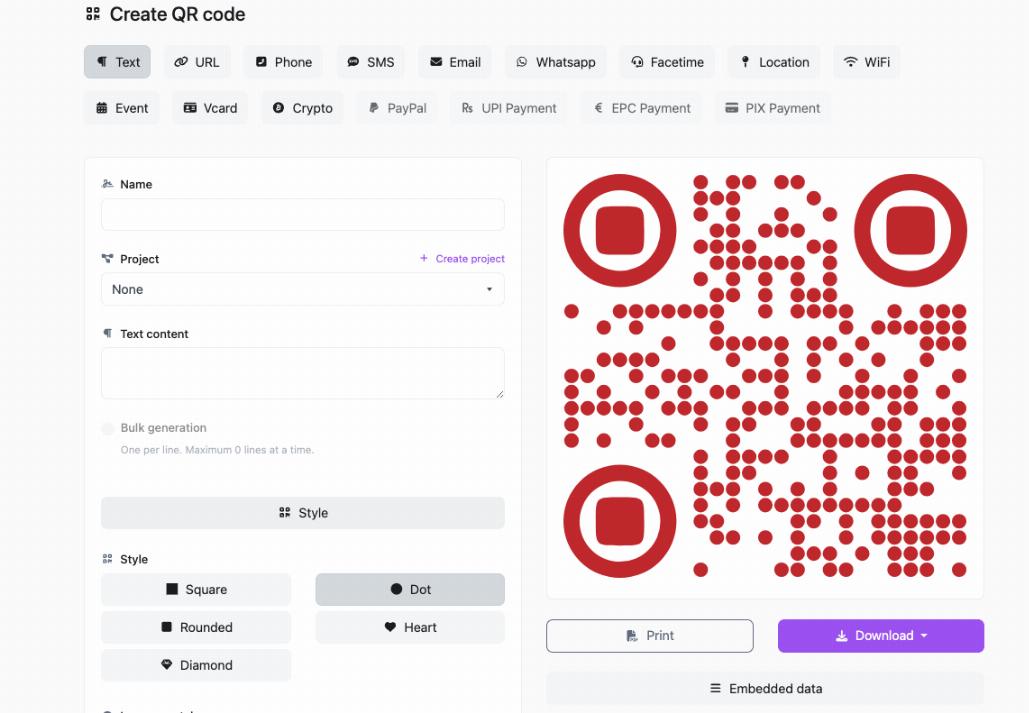
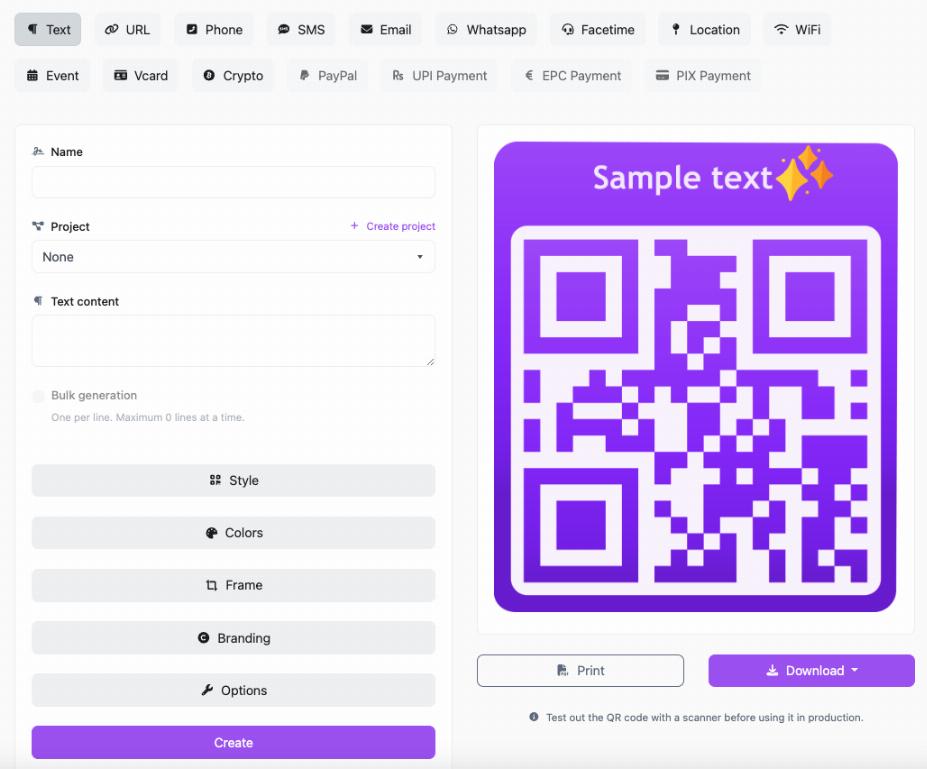
If you have never created one before, learning how to create a QR code for free is a good place to start.
6. Promote Offers, Discounts, and Seasonal Campaigns
QR codes are great for promotional marketing because they make it easy to connect printed materials to digital offers.
Small businesses can use them on:
- posters
- window displays
- flyers
- product tags
- packaging
- event banners
For example, a retail store could use a QR code that says “Scan for 10% Off Your Next Order.” A café could promote a loyalty offer. A local service business could use a code on door hangers that opens a limited-time quote page.
This is one of the best uses of QR codes for small businesses because it turns offline promotions into measurable action.
7. Enable Faster Digital Payments
Many small businesses now use QR codes to simplify payments. A customer scans the code and opens a payment link or app. This is especially useful for pop-up shops, market stalls, small cafés, independent sellers, delivery businesses, and service providers.
Payment QR codes can help:
- speed up checkout
- reduce cash handling
- make payment more convenient
- support contactless transactions
For small businesses that want a simple checkout experience without heavy hardware, QR code payments can be a practical solution.
8. Share Product Information
Retailers and product-based businesses can use QR codes to give customers more detail than a label or shelf tag can hold.
A product QR code can link to:
- ingredients or materials
- how-to guides
- sizing information
- care instructions
- product videos
- reviews or testimonials
This works especially well when customers want more confidence before buying. Instead of overloading packaging with tiny text, you can let the customer scan for details.
9. Build a Loyalty Program
QR codes can also support repeat business by making loyalty programs easier to access.
For example, a business can use QR codes to:
- send customers to a rewards sign-up page
- share digital punch cards
- unlock member-only offers
- encourage repeat visits
This is a smart use case because loyalty programs are only effective when customers actually join them. A QR code lowers that barrier and makes sign-up much faster.
10. Grow Your Email List or SMS List
For small businesses doing local marketing, QR codes can help grow owned audiences. Instead of relying only on social media, you can use QR codes to invite customers to subscribe to your email newsletter or text updates.
This works well at:
- checkout counters
- events
- storefronts
- product packaging
- trade booths
A simple offer such as “Scan to Join and Get 10% Off” can make list building much easier.
11. Make Business Cards More Useful
Business cards are still useful, but QR codes make them much more interactive. Instead of only listing contact details, you can use a QR code to link directly to:
- your website
- a digital contact card
- your portfolio
- your booking page
- your Instagram or LinkedIn profile
This is especially helpful for freelancers, consultants, real estate professionals, and local service businesses that depend on networking.
12. Improve Event Marketing
Small businesses that host events or attend markets can use QR codes to simplify registration, share event information, and drive post-event follow-up.
You can use event QR codes for:
- RSVP pages
- ticket links
- speaker info
- booth offers
- feedback forms
- social media engagement
For local events, this helps businesses keep promotion simple while making participation easier for customers.
13. Share Forms and Customer Feedback Pages
Feedback is valuable, but customers rarely go looking for a feedback form on their own. A QR code makes the process easier.
Small businesses can use feedback QR codes to collect:
- service feedback
- event feedback
- product satisfaction insights
- support requests
- post-visit surveys
Placed in the right location, this can help you gather useful customer input without making the process feel like work.
14. Connect Print Marketing to Digital Content
One of the strongest reasons small businesses use QR codes is that they help traditional print materials perform better.
A printed flyer does not have to be the end of the conversation. With a QR code, it can lead to a landing page, contact form, product video, promotion, or sign-up offer.
This is especially useful for:
- direct mail
- brochures
- local posters
- packaging inserts
- community boards
- leave-behind marketing materials
For small businesses trying to get more from local marketing, QR codes help make print measurable and actionable.
How to Choose the Right QR Code Type for Your Business
Not every use case needs the same type of QR code. Some small businesses only need a fixed link. Others need flexibility because campaigns, menus, product pages, or offers may change later.
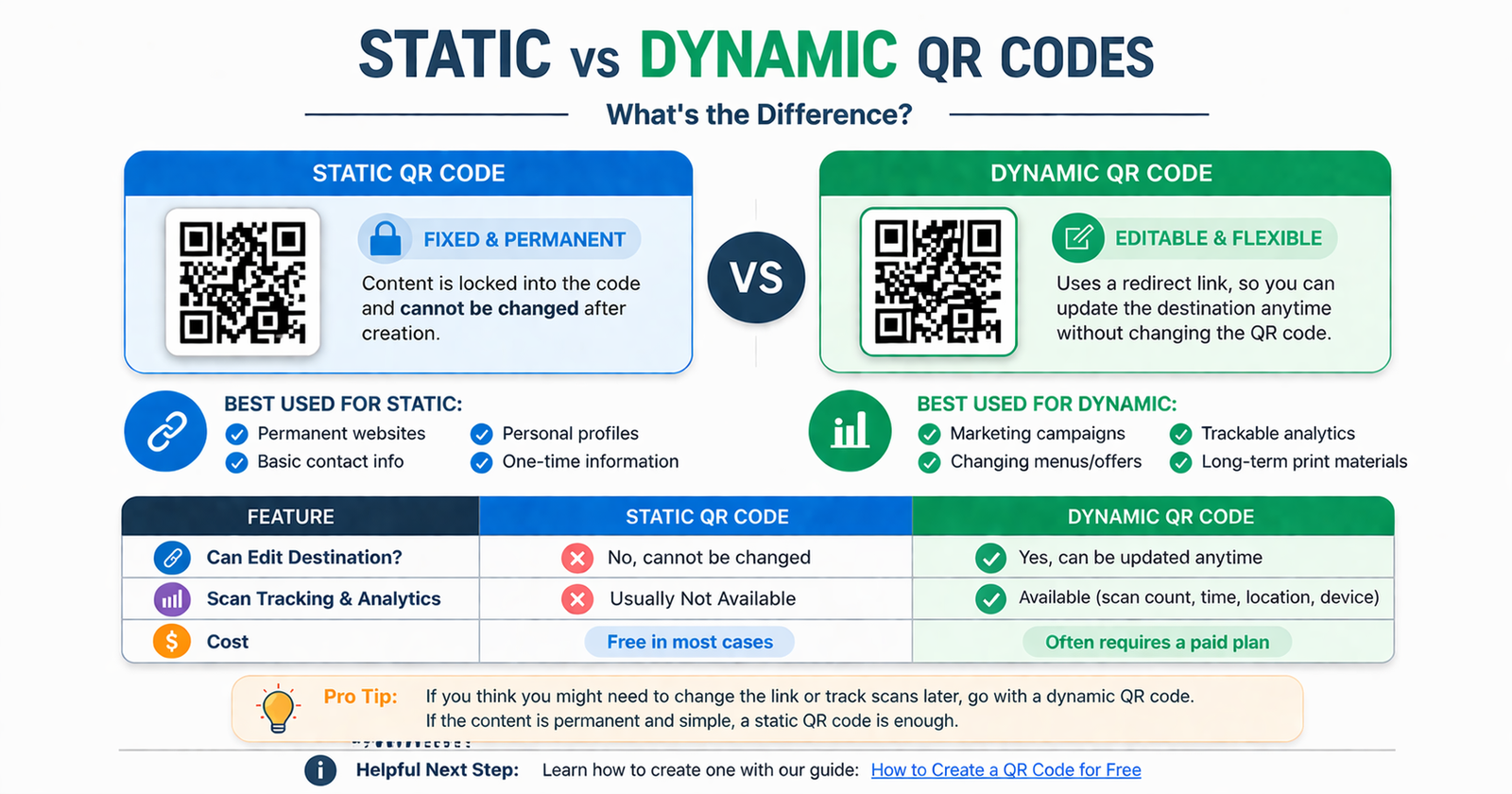
That is why it is important to understand the difference between static and dynamic QR codes.
In simple terms:
- a static QR code is fixed and cannot be edited later
- a dynamic QR code can usually be updated without changing the printed code
If your content is permanent, a static code may be enough. If you want to change the destination, run campaigns, or track scans over time, a dynamic code is often the better option. Our guide on static vs dynamic QR codes explains this in more detail.
Best Practices for Small Business QR Codes
Use a Clear Call to Action
Do not just place a QR code with no explanation. Tell customers exactly why they should scan it.
Examples:
- Scan to View Menu
- Scan to Book Now
- Scan to Leave a Review
- Scan to Join WiFi
- Scan to Get 10% Off
Make Sure the Destination Works on Mobile
Most people scan QR codes on their phones, so the page behind the code needs to load quickly and look good on mobile.
Do Not Overuse QR Codes
Use them where they truly improve convenience. Too many QR codes in one place can confuse people and reduce engagement.
Place Them Where Customers Naturally Need Them
A menu QR code belongs at the table. A review QR code fits near checkout or on a receipt. A booking QR code works on a brochure or storefront sign. Placement matters.
Always Test Before Printing
Before printing hundreds of flyers or signs, test the QR code on multiple devices to make sure it works properly.
Common Mistakes Small Businesses Should Avoid
Sending People to the Wrong Page
The destination should match the context. A code on a special offer poster should not go to a generic homepage.
Using a Tiny QR Code
If the code is too small, people will struggle to scan it. Make it clear and large enough for the intended viewing distance.
Skipping the Call to Action
Customers are more likely to scan when they know what happens next.
Linking to Slow or Broken Pages
A QR code only works as well as the experience behind it. A bad landing page will waste the scan.
Choosing the Wrong QR Code Type
If your content may change later, a fixed code can create problems. That is why it helps to understand which QR code type fits your use case before you commit to printing it.
FAQ
Why are QR codes useful for small businesses?
QR codes are useful because they make it easier for customers to take action. They can quickly open a website, book an appointment, join WiFi, leave a review, or access an offer without typing anything manually.
What are the best uses of QR codes for small businesses?
Some of the best uses include website links, digital menus, booking pages, review collection, guest WiFi access, promotions, product information, digital payments, and loyalty program sign-ups.
Are QR codes expensive for small businesses?
No. Many QR codes can be created at little or no cost, especially for simple use cases. If you need a starting point, see our guide on how to create a QR code for free.
Should a small business use static or dynamic QR codes?
It depends on whether the content will change later. Static codes are fine for permanent links. Dynamic codes are better for changing campaigns, menus, or trackable marketing. You can learn more in our guide on static vs dynamic QR codes.
Where should small businesses place QR codes?
Good placement depends on the use case. Common spots include tables, counters, receipts, flyers, business cards, packaging, posters, signs, invoices, and storefront displays.
Can QR codes help with local marketing?
Yes. QR codes are especially useful for local marketing because they connect physical materials like flyers, posters, and signs directly to digital actions like visits, bookings, and offers.
Conclusion
The best uses of QR codes for small businesses all come back to one thing: making life easier for the customer while helping the business get better results. Whether you want more website visits, more bookings, more reviews, smoother payments, or a better in-store experience, QR codes can help remove friction and speed up action.
You do not need to use them everywhere. You just need to use them where they make sense. Start with one or two practical use cases, focus on customer convenience, and make sure the destination behind each code is clear and useful.
If you are ready to get started, QRcodesgenerate.com makes it simple to create QR codes for websites, WiFi, promotions, and more. A small code can do a surprisingly big job when it is used the right way.