Paying with a QR code feels simple on the surface. You open your phone, scan a code, confirm the amount, and the payment goes through. But behind that quick interaction is a payment method that has become increasingly popular for businesses, customers, freelancers, restaurants, and everyday transactions.
That is why more people now want to understand QR codes for payments and how they actually work. For businesses, they offer a low-friction way to accept payments without making the checkout process feel complicated. For customers, they provide a fast and familiar way to pay using a mobile device. And for small businesses especially, QR payments can be a practical alternative to more traditional payment setups.
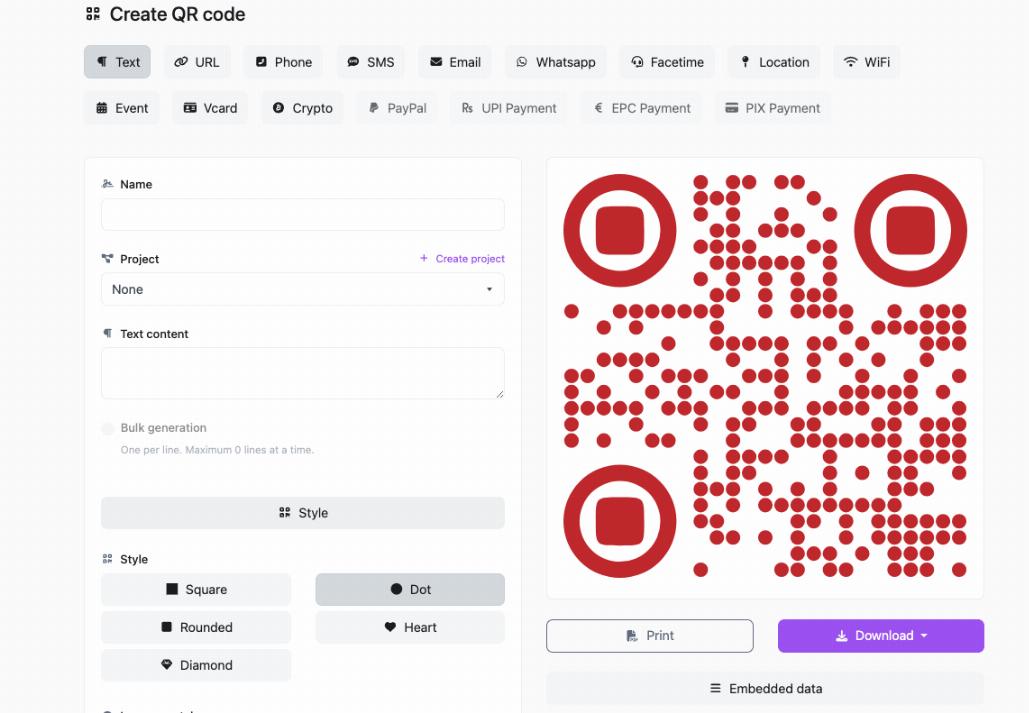
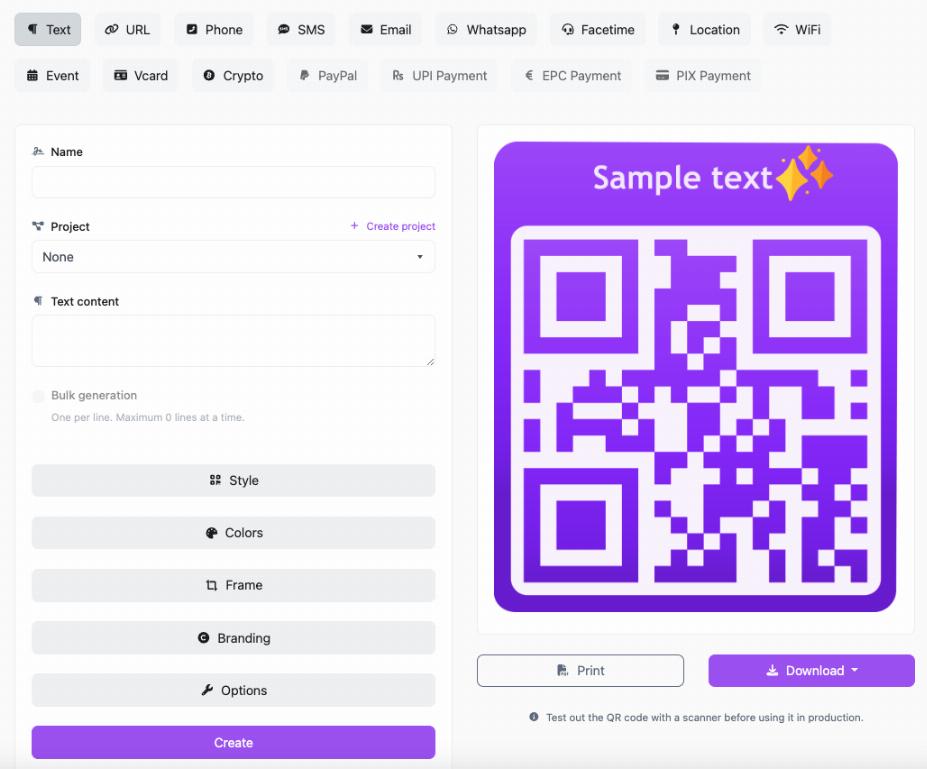
In this guide, we will break down how QR code payments work, the different types of payment QR codes, where they are used, what makes them useful, and what businesses should know before using them. If you are still learning the basics of QR code creation, it helps to start with how to create a QR code for free. And if you are comparing use cases across different business settings, our guide on best uses of QR codes for small businesses shows where payment QR codes fit into the bigger picture.
What Is a QR Code Payment?
A QR code payment is a payment method where a customer uses a smartphone to scan a QR code in order to send money or complete a transaction.
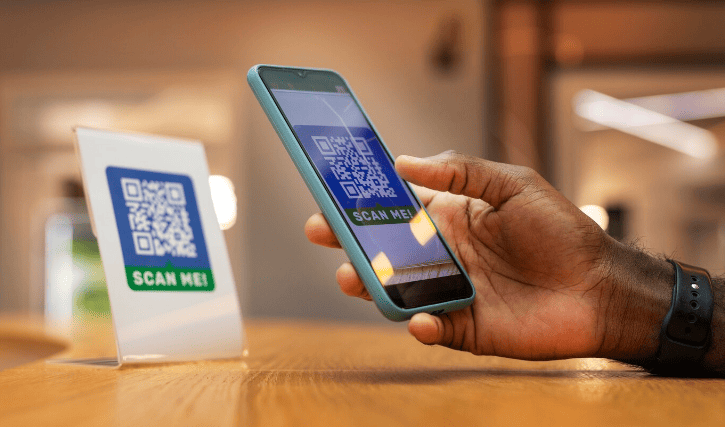
Instead of swiping a card, inserting a chip, or handing over cash, the customer scans a code and pays through a connected app, digital wallet, bank app, or payment platform.
Depending on the setup, the QR code may:
- open a payment page
- load merchant payment details
- fill in the payment recipient automatically
- include a fixed amount
- let the customer enter the amount manually
The goal is the same in every case: make payment faster and easier by using a phone as the checkout tool.
How QR Code Payments Work
At a basic level, QR code payments work by encoding payment-related information into a scannable code. When the code is scanned, the payment app reads that information and uses it to begin the transaction.
Here is the typical process:
- The business displays a payment QR code.
- The customer scans the code using a mobile payment app, banking app, or phone camera.
- The payment information loads automatically.
- The customer reviews the amount or enters it if needed.
- The customer confirms and completes the payment.
- The business receives the payment confirmation.
That is the simple version, but there are actually two main ways QR payment systems usually work.
The Two Main Types of QR Code Payments
1. Customer-Scans-Merchant Code
This is the most common setup people think of when discussing QR payments.
In this model, the merchant shows a QR code at checkout, on a counter, on a printed invoice, on a table, or on a screen. The customer scans that code with their phone and completes the payment.
This is common in:
- cafés and restaurants
- market stalls
- retail counters
- service businesses
- pop-up shops
- freelance and mobile businesses
It is simple because the business only needs to present the code, and the customer handles the rest from their device.
2. Merchant-Scans-Customer Code
In this model, the customer opens a payment app that generates a QR code on their phone. The merchant then scans that customer code using a payment terminal or app.
This approach is more common in structured retail or integrated point-of-sale environments where the merchant has scanning hardware or a checkout system designed to read customer-generated codes.
Both methods rely on the same idea: using a QR code as the bridge between payment details and confirmation.
What Information Is Stored in a Payment QR Code?
A payment QR code can store different types of information depending on the payment system being used.
It may contain:
- merchant account details
- payment recipient ID
- payment URL
- transaction reference
- currency information
- a fixed amount
- an order or invoice identifier
In some cases, the QR code simply opens a payment page where the details are already prepared. In other cases, the code includes direct payment-routing information inside the QR pattern itself.
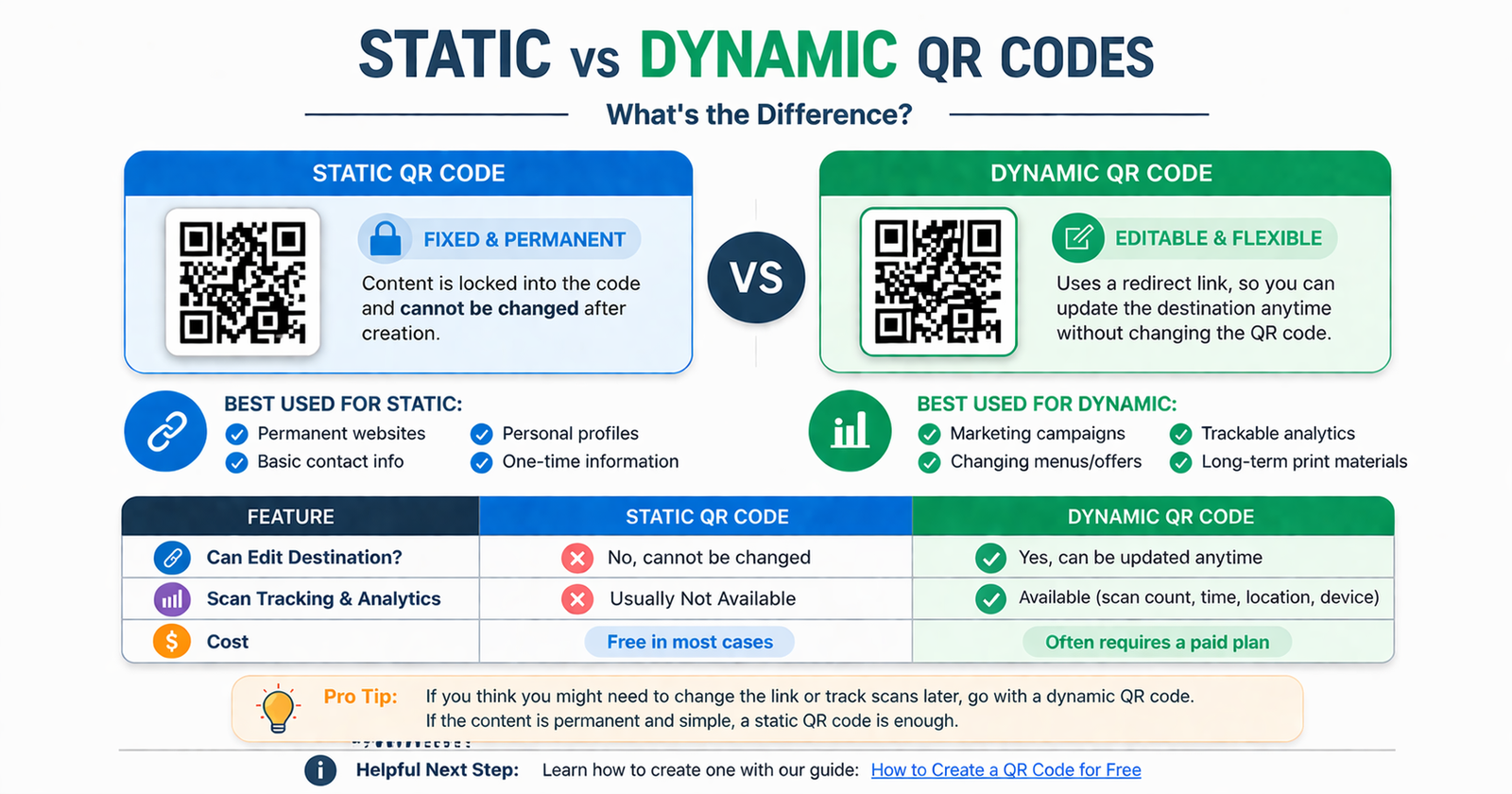
That difference matters because some payment QR codes are static and reusable, while others are generated for one specific transaction. If you are not clear on the difference between fixed and editable QR code types in general, our guide on static vs dynamic QR codes explains the concept clearly.
Static vs Dynamic QR Codes for Payments
Payment QR codes can often be grouped into two practical categories: static and dynamic.
Static Payment QR Codes
A static payment QR code usually contains fixed merchant payment information. The code stays the same every time it is used.
That means a customer scans it, enters the amount if needed, and confirms the payment.
Static payment codes are useful for:
- small shops
- market vendors
- freelancers
- tips or donations
- simple recurring payment collection
The advantage is simplicity. One code can be printed and reused again and again.
The limitation is that the amount is not always built in, so the customer may need to type it manually.
Dynamic Payment QR Codes
A dynamic payment QR code is usually created for a specific transaction. It can include the exact amount, invoice reference, order details, or session-specific payment information.
Dynamic payment codes are useful for:
- checkout systems
- ecommerce orders
- restaurant bills
- invoice payments
- trackable payment flows
The main benefit is precision. The customer scans the code and the payment details are already prepared, which reduces errors and speeds up confirmation.
Why Businesses Use QR Codes for Payments
Businesses use QR payments because they can make the checkout process easier without requiring customers to do much more than scan and confirm.
Some of the main benefits include:
Faster Checkout
Scanning a QR code is quick. In many settings, it can make the payment step feel smoother than cash handling or manual bank transfers.
Lower Equipment Needs
Some businesses can accept QR payments without investing heavily in complex card hardware, especially if they use a simple printed payment code or phone-based payment app.
Contactless Convenience
QR code payments allow customers to use their own phones, which many people already prefer for speed and convenience.
Useful for Small and Mobile Businesses
Freelancers, service providers, delivery businesses, pop-up sellers, and market vendors often find QR payments practical because they are flexible and easy to display.
Easy Integration With Other QR Uses
Businesses already using QR codes for menus, websites, or promotions often find that payments are a natural next step. For example, restaurants using digital menu QR flows may later add ordering or payment options as part of the same customer journey.
Where QR Code Payments Are Commonly Used
QR payments are useful in many different settings, especially where speed and simplicity matter.
Restaurants and Cafés
Restaurants often use QR codes for menus first, then extend that experience into ordering or payments. A customer can scan, view the menu, order, and sometimes pay, all from the same phone-based flow.
Retail Shops
Counter displays with QR payment codes make it easier for customers to complete transactions quickly, especially in smaller stores.
Freelancers and Independent Professionals
Consultants, photographers, tutors, repair technicians, and home-service providers can accept payment using a printed code or mobile payment page without carrying extra hardware.
Events and Pop-Ups
Temporary selling spaces often benefit from QR payments because they are portable and easy to set up.
Invoices and Remote Payments
A QR code included on an invoice, digital receipt, or payment request can make it easier for the customer to pay without retyping details manually.
How Customers Use QR Codes to Pay
From the customer side, the process is usually straightforward.
They typically:
- open a payment or banking app
- scan the merchant QR code
- check the payment details
- confirm the amount
- authorize the payment
In some systems, the phone camera alone may recognize the code and route the user into a payment-compatible app or webpage. In others, the user must scan from داخل the payment app itself. The exact flow depends on the platform being used.
What Businesses Need Before Using QR Payments
Before accepting payments through QR codes, a business usually needs a payment platform, wallet provider, banking setup, or payment service that supports QR transactions.
That setup may provide:
- a reusable merchant QR code
- dynamically generated payment codes
- a payment link converted into a QR code
- transaction reporting
- payment confirmation tools
The QR code itself is not the whole payment system. It is the access point into the payment process. The actual transaction still depends on the payment service and the customer’s supported app or method.
Best Practices for Payment QR Codes
Make the Purpose Clear
Do not display a QR code with no explanation. Add a short label such as:
- Scan to Pay
- Pay Here
- Scan for Secure Payment
- Scan to Pay Your Bill
Use a Reliable Payment Flow
The payment experience should be simple, trusted, and easy to complete on a phone.
Test the Code Before Displaying It
Make sure the code scans correctly, opens the intended payment method, and leads to the right merchant or amount.
Place the Code Where It Makes Sense
Payment QR codes should appear at the point where someone is actually ready to pay, such as a counter, table, invoice, or checkout page.
Keep the Design Easy to Scan
Strong contrast, good sizing, and enough white space all help. A payment QR code should be functional first.
Common Mistakes to Avoid
Using the Wrong Payment Destination
If the QR code links to the wrong payment page or incorrect merchant account, it creates serious confusion and trust issues.
Not Explaining What the Code Is For
Customers need to know the code is for payment, not for a menu, website, or promotion.
Displaying an Unverified Code
Always test the code before using it publicly. Payment issues create more friction than almost any other QR code problem.
Choosing Static When Dynamic Would Be Better
If each transaction needs an exact amount or invoice reference, a dynamic payment code is often more practical than a reusable one.
Ignoring Customer Confidence
People need to trust the payment experience. Clear branding, clear labels, and a professional setup matter.
Are QR Code Payments Safe?
QR code payments can be safe when they are used through trusted payment platforms and legitimate merchant setups. The safety depends less on the QR code format itself and more on the payment service, the verification flow, and whether customers can clearly confirm who they are paying.
Businesses should use reputable providers, and customers should always verify payment details before confirming a transaction.
FAQ
How do QR codes for payments work?
A QR payment code stores or points to payment information. The customer scans it with a supported app, reviews the payment details, and confirms the transaction on their phone.
What is the difference between static and dynamic payment QR codes?
Static payment codes are usually reusable and fixed, while dynamic payment codes are often created for a specific transaction and can include exact amounts or invoice details.
Do customers need a special app to pay with a QR code?
Usually they need a compatible payment, banking, or wallet app, although the exact process depends on the payment system being used.
Can small businesses accept QR code payments?
Yes. QR payments are often a good fit for small businesses because they can simplify checkout and may reduce the need for extra hardware in some setups.
Are QR code payments contactless?
Yes. Customers typically complete the payment using their own phones, which makes the experience contactless and convenient.
Can a QR code include the payment amount?
Yes. Some payment QR codes, especially dynamic ones, can include a fixed amount and transaction details so the customer does not need to type them manually.
Conclusion
QR codes for payments work because they make the payment step faster, simpler, and more mobile-friendly. A customer scans, confirms, and pays without needing to type long details or switch to a more complicated process.
For businesses, that can mean a smoother checkout experience and more flexibility in how payments are accepted. For customers, it means convenience and speed. The key is using the right payment setup, choosing the right type of QR code, and making the process clear and trustworthy from start to finish.
When done well, a payment QR code is more than just a square image. It becomes a simple bridge between intent and completed transaction.